 DS Weatherby Nacho Average Apps
Made for iPhone
Temperature.Then what matters.
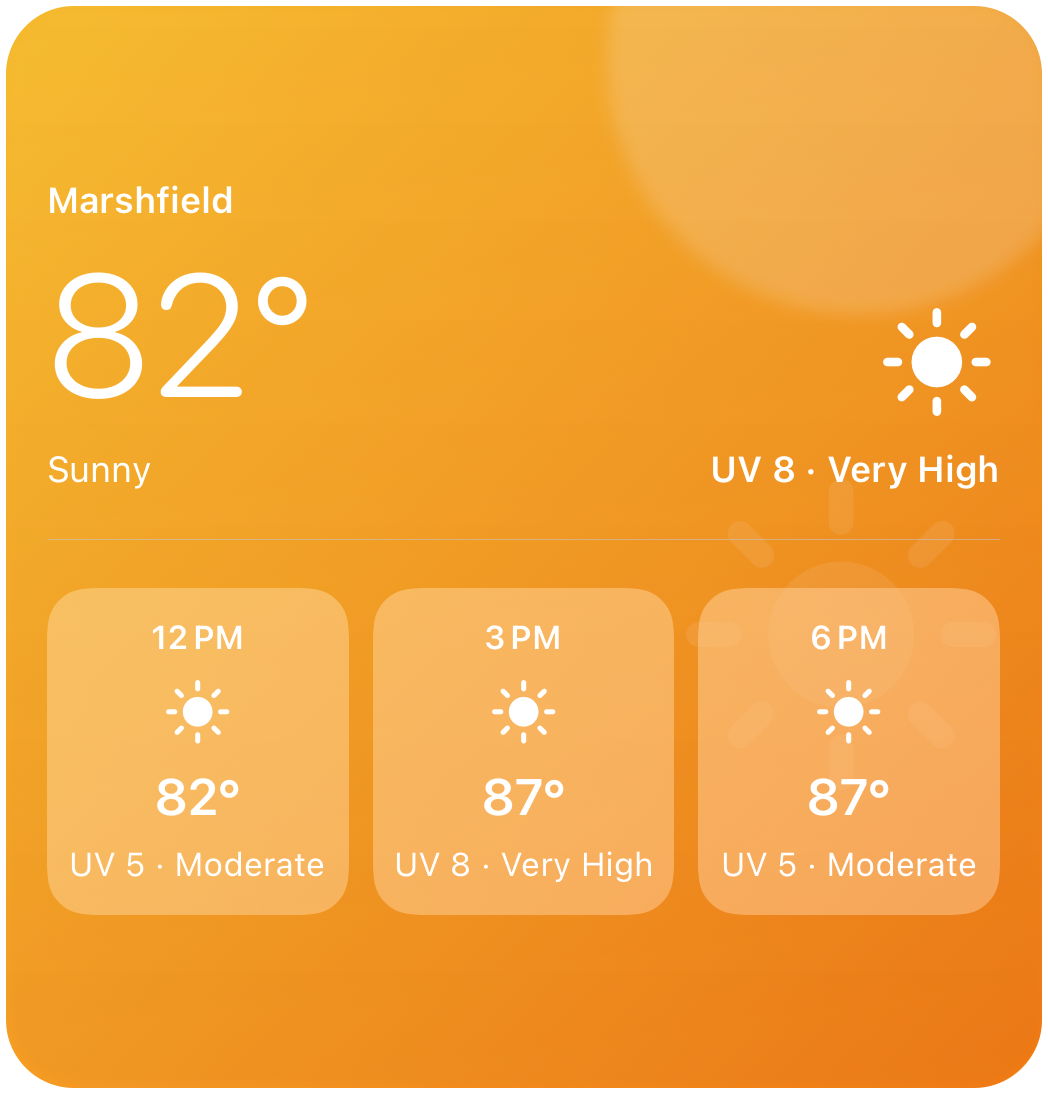
Weather should take a glance, not a scroll. DS Weather leads with the temperature, then automatically surfaces the one other detail worth seeing — UV in the sun, feels-like in the cold. The widget beside this is running that decision right now.
Free · Requires iOS 17 · Home Screen & Lock Screen · No account, ever
12 PM · Marshfield
The sun is doing something to you, so the UV came forward.
The glance
All signal. No noise.
One glance. The right detail.
Most weather apps answer a question nobody asked — twelve days out, hour by hour, three screens deep. You wanted to know whether to bring a jacket. DS Weather is built around the two seconds you actually spend looking.
- 01
Temperature first
The answer you came for stays unmistakably front and center — big enough to read from across the kitchen, in every widget size the Home Screen offers.
- 02
Context, automatically
Meaningful UV, wind, and cold rise to the surface at the right time. You never configure it, because a setting for this would just be homework you do before you learn the answer.
- 03
Your kind of simple
Choose a location, your units, and a visual style. That is the whole of setup. Everything else just works, quietly, on iOS's schedule.
- No account
- No sign-in
- No feed
- No ads
- No analytics SDK
- No advertising identifier
- No developer backend
- No twelve-day scroll
Context
Feels-like, when it matters
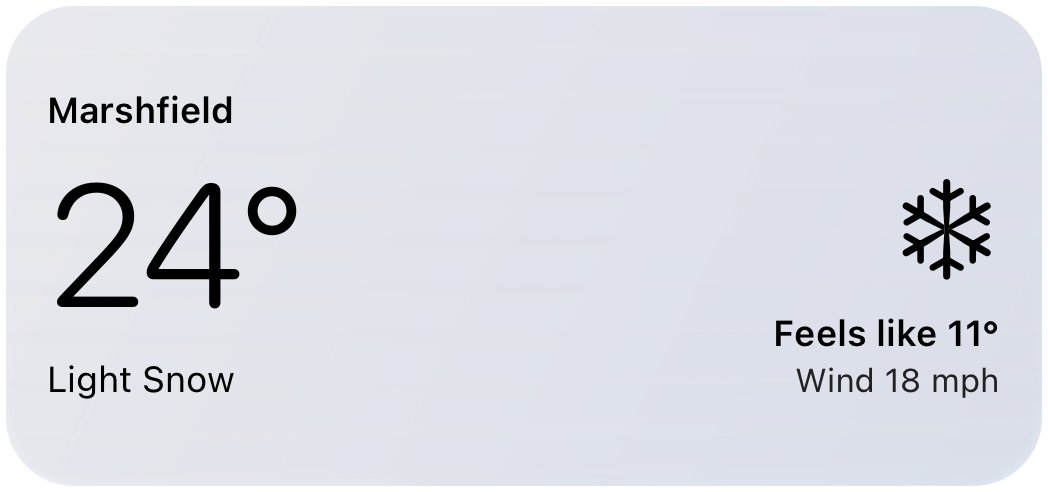
Cold has context.
When wind and temperature change what it actually feels like outside, DS Weather brings that difference forward without making you hunt for it. When the sun is the thing acting on you, the UV comes forward instead. The app makes that call from current conditions, not from a fixed season or a month on a calendar.
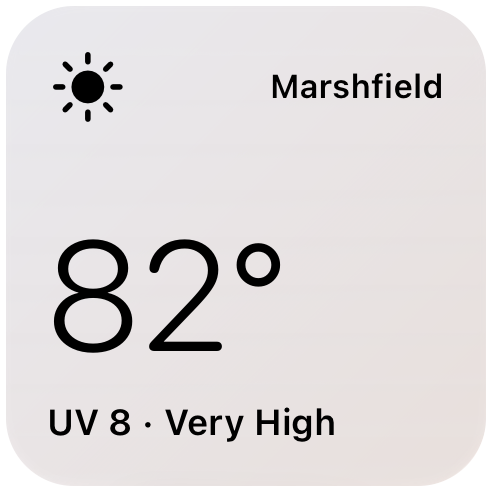
In the daylight window, meaningful UV — now or coming — is the detail worth a glance.
You never told it which detail you wanted. That is the feature.
Change the conditions and watch the second line change its mind. The real rule reads the live forecast; this is the shape of it, not the arithmetic.
Themes & sizes
Built for your screen
Quiet or vivid. Always clear.
Six thoughtful themes span colorful seasonal atmosphere, clean minimal layouts, and everything in between — across every Home Screen and Lock Screen size. Pick one and forget about it; the hierarchy holds either way.
And on the Lock Screen.
Inline, circular, and rectangular — the three shapes iOS gives you, each one carrying as much of the hierarchy as it has room for. Touch and hold the Lock Screen, tap Customize, and they’re in the list.
Marshfield
24° Light SnowFeels like 11°Out now on iPhone
Darn simple. Seriously useful.
DS Weather is on the App Store now, free, with no account to make and nothing to sign in to. Add a widget, pick a theme, and go back to your day.
Requires an iPhone. Weather data comes from Apple Weather via WeatherKit. Read the privacy policy, weather & license terms, or the support answers.
Still listening
Tell us what you’d change.
DS Weather is out, and still getting better. Tell us what you'd want out of a weather widget — we read every one, and this app got built out of exactly that kind of note. We'll write when there's something worth saying.
- Only when it's worth it
- Written by a human, badly
- Never sold, never rented